Initial setup
When switched on for the first time, the MEISTERSTÜCK 3 automatically starts the initial setup. Follow the instructions on the display to set up the device step by step.
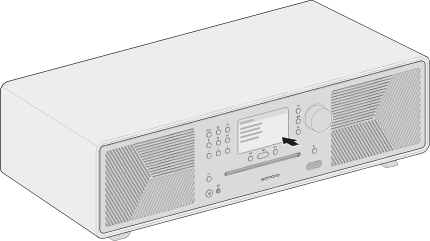
Setup steps
- Select a language
- Accept the privacy policy Information about data protection is available at: sonoro.com/datenschutzerklaerung-app
- Connecting to a network Once the MEISTERSTÜCK 3 has started, the WPS function is also available for a quick connection to a compatible Wi-Fi router.→ Further information can be found in the chapter Connecting to a network.
- Configure Placement EQ Adjust Placement EQ to the location of the MEISTERSTÜCK 3. This optimises bass reproduction according to its position in the room.→ Further information can be found in the chapter Sound settings.
- Check for software updates
You can change network connections at any time under Settings → Network settings.
You can change Placement EQ at any time under Settings → Sound settings.
Set the device name
We recommend assigning a custom device name so that you can clearly identify the MEISTERSTÜCK 3 in the sonoro app, supported Connect services and compatible smart home systems.
To do this, open:
Settings → Device info → Device name
Enter the desired name (e.g. Living room or MEISTERSTÜCK 3) and confirm your entry.
→ Further information can be found in the chapter Device info.