Switching on the device
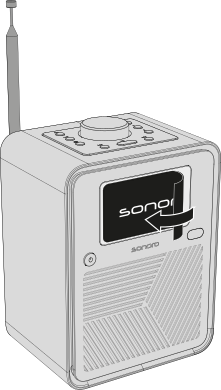
1. Removing the protective film
Carefully peel the protective film off the ATRON display.
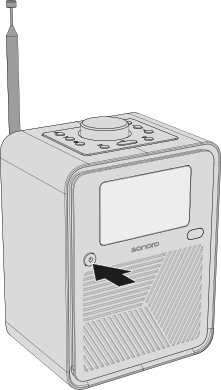
2. Switching on the device
Press the on/off button to switch on the ATRON.
ℹ When switched on for the first time, the ATRON automatically starts the initial setup.
ℹ The first startup may take a few seconds.